

Where collected money goes
Post a collection into the customer’s account balance, and into a cash vault, so both the customer’s ledger and the company’s cash tracking reflect the money that came in.
Before you start
Section titled “Before you start”-
Linking to accounting and linking to a vault are two separate actions — a collection can be linked to one, both, or neither.
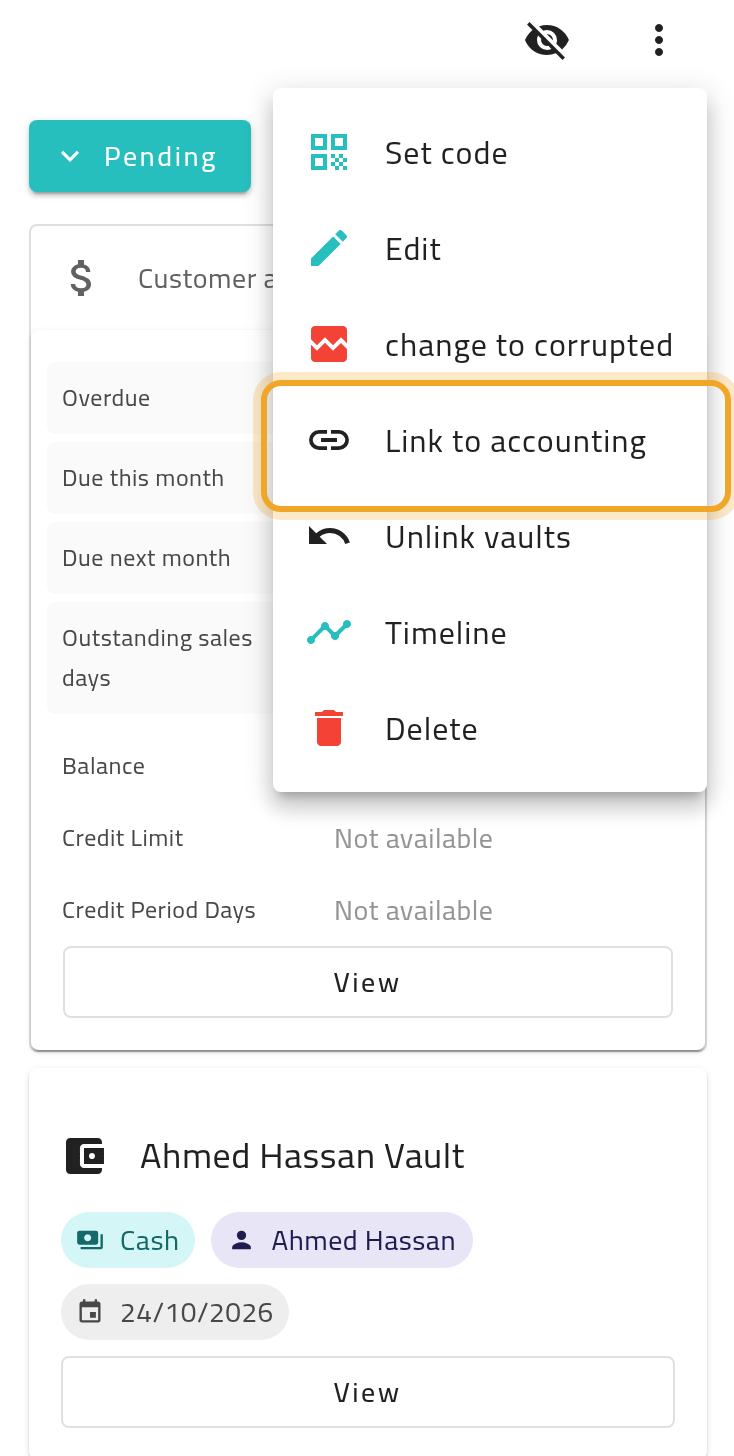
-
Back-dating the transaction (recording it as if it happened on an earlier date) requires an additional admin permission. Without it, the date you request is silently replaced with today’s date — no error is shown.
- Open the collection’s details.
- Choose Link to accounting to post it to the customer’s account, or Link vaults to post the amount into a chosen vault (the amount is prefilled).
- Confirm the prompt.
- To reverse either link, use the matching undo action from the same menu. The linked entry is reversed and the link action becomes available again.
What can go wrong
Section titled “What can go wrong”A back-dated transaction shows today’s date instead
Section titled “A back-dated transaction shows today’s date instead”You need the permission for custom accounting dates. Without it, your requested date is replaced with today’s — check with your administrator if you need to record historical dates.
Link to accounting is refused for an earmarked collection
Section titled “Link to accounting is refused for an earmarked collection”A collection earmarked to a sales order can only be posted once that order has been invoiced to the same customer. Invoice the order, then link again.
You can’t void a paper receipt collection that’s linked
Section titled “You can’t void a paper receipt collection that’s linked”Undo the accounting and/or vault link first — see Void a paper receipt.
Editing a linked collection’s amount changes the ledger
Section titled “Editing a linked collection’s amount changes the ledger”Changing the amount on a collection that is already linked re-issues its accounting and vault entries (using the original dates) rather than blocking the edit — double check amounts before linking if this matters to your workflow.