

Finish a visit
Use this to check out of a Check-in/Check-out visit you already started. This closes the visit and records how long it took.
Before you start
Section titled “Before you start”- You need the
visits:visits/startOrEndpermission. - This only applies to Check-in/Check-out visits — Check-out Only visits are recorded in a single step and have no separate finish action.
-
From the visit view or your agenda, choose End visit.
-
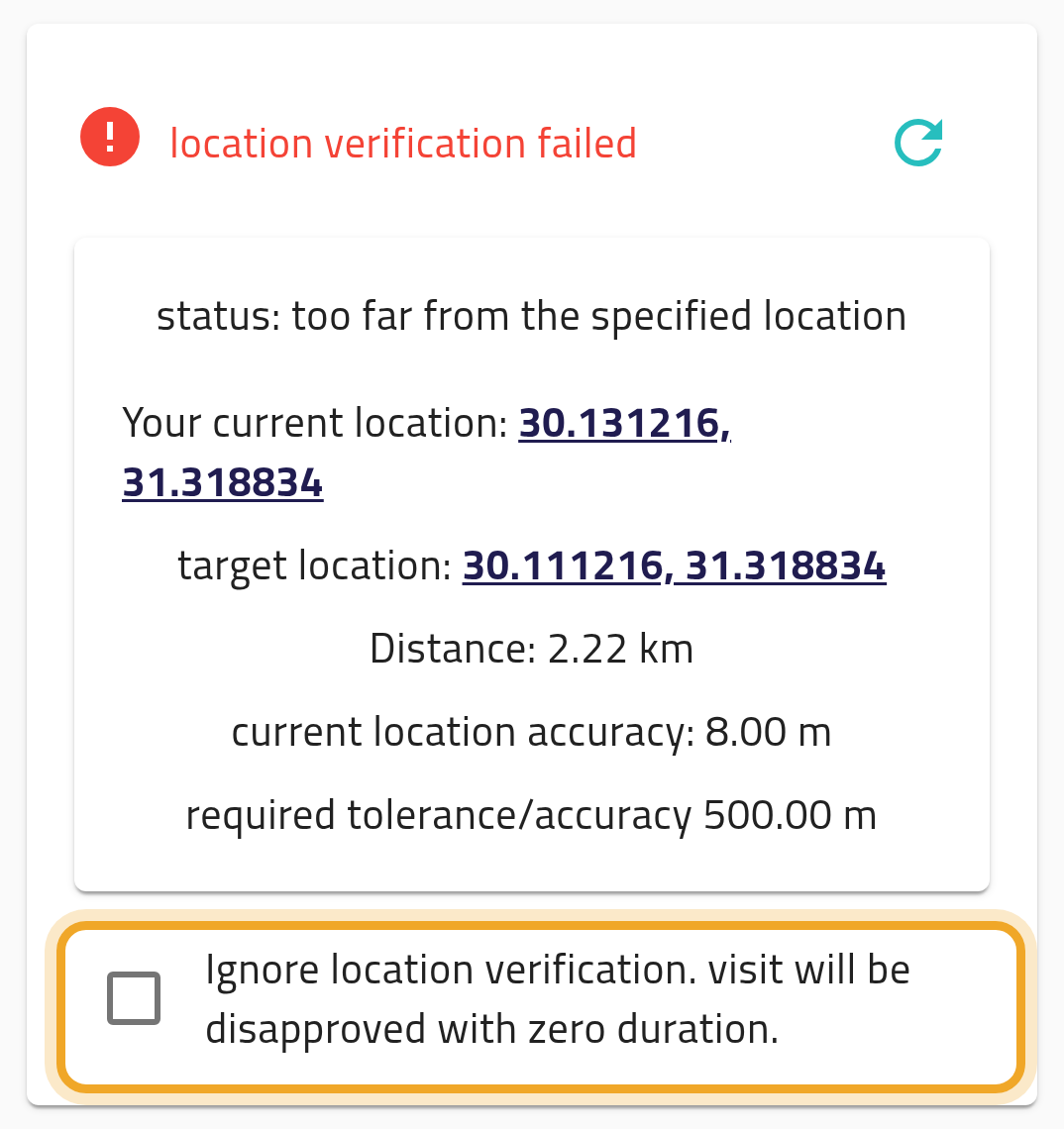
Verify your location, if the template requires it. If verification fails, you can tick Ignore location verification to end the visit anyway — it is then finished with zero duration and disapproved, so only do this if you are genuinely unable to verify.
-
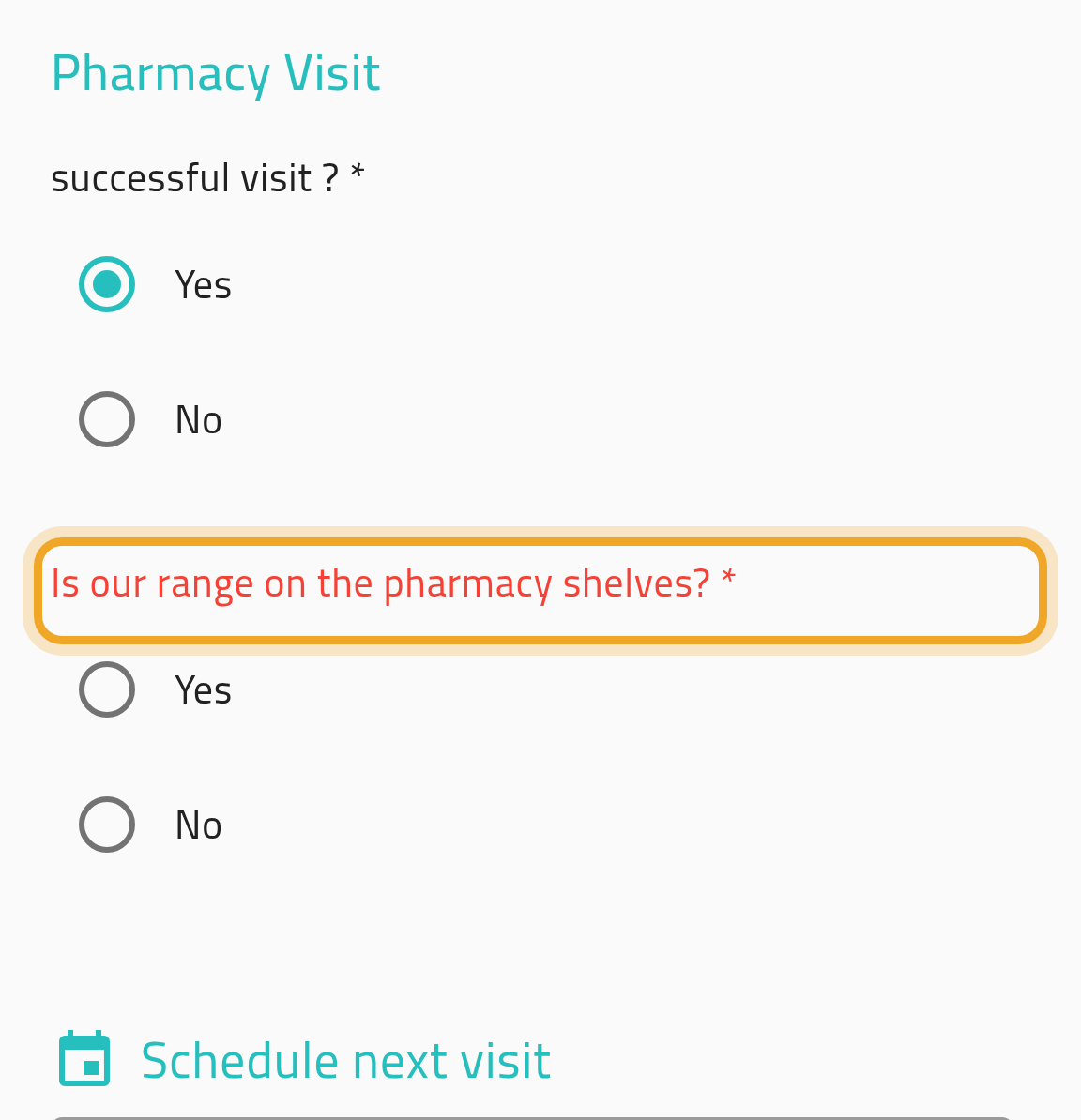
Answer the end-of-visit questionnaire. Any answers you gave at check-in for questions marked “start only” are kept automatically — you don’t need to re-answer them.
-
Set the outcome, an optional next visit date, and any to-dos.
-
Submit. Your visit duration is calculated from check-in to check-out.
What can go wrong
Section titled “What can go wrong”You try to end a visit that’s already finished
Section titled “You try to end a visit that’s already finished”This can happen after a double-submit, or if the visit auto-ended while you were still trying to check out manually. The app treats this as a successful end, so you won’t see an error — you’ll just land back on the finished visit.