

Record a visit that was not planned
Use this when you visit a customer who was not on your plan for the day — a drop-in, a re-visit, or a customer you passed on your route. The visit is recorded in one go: there is no check-in step and no check-out step.
Before you start
Section titled “Before you start”- You need the
visits:visits/createpermission. - Your workspace must have at least one active visit template with non-planned visits enabled.
- You must be online. Visits that were not planned cannot be recorded offline, unlike planned visits.
- Open the customer and choose Record Non-planned Visit.
- The screen loads the customer’s addresses and checks the minimum-days rule at the same time. The form appears once both finish.
- Choose a template. If only one template fits this customer it is chosen for you and the picker is locked.
- Choose the address. Depending on the template you may be asked to verify your location.
- Fill in the visit questionnaire and set the outcome. Some templates also ask for product detailing.
- Choose Record visit. You land on the visit you just recorded.
What can go wrong
Section titled “What can go wrong”The template list is empty and the Record button stays greyed out
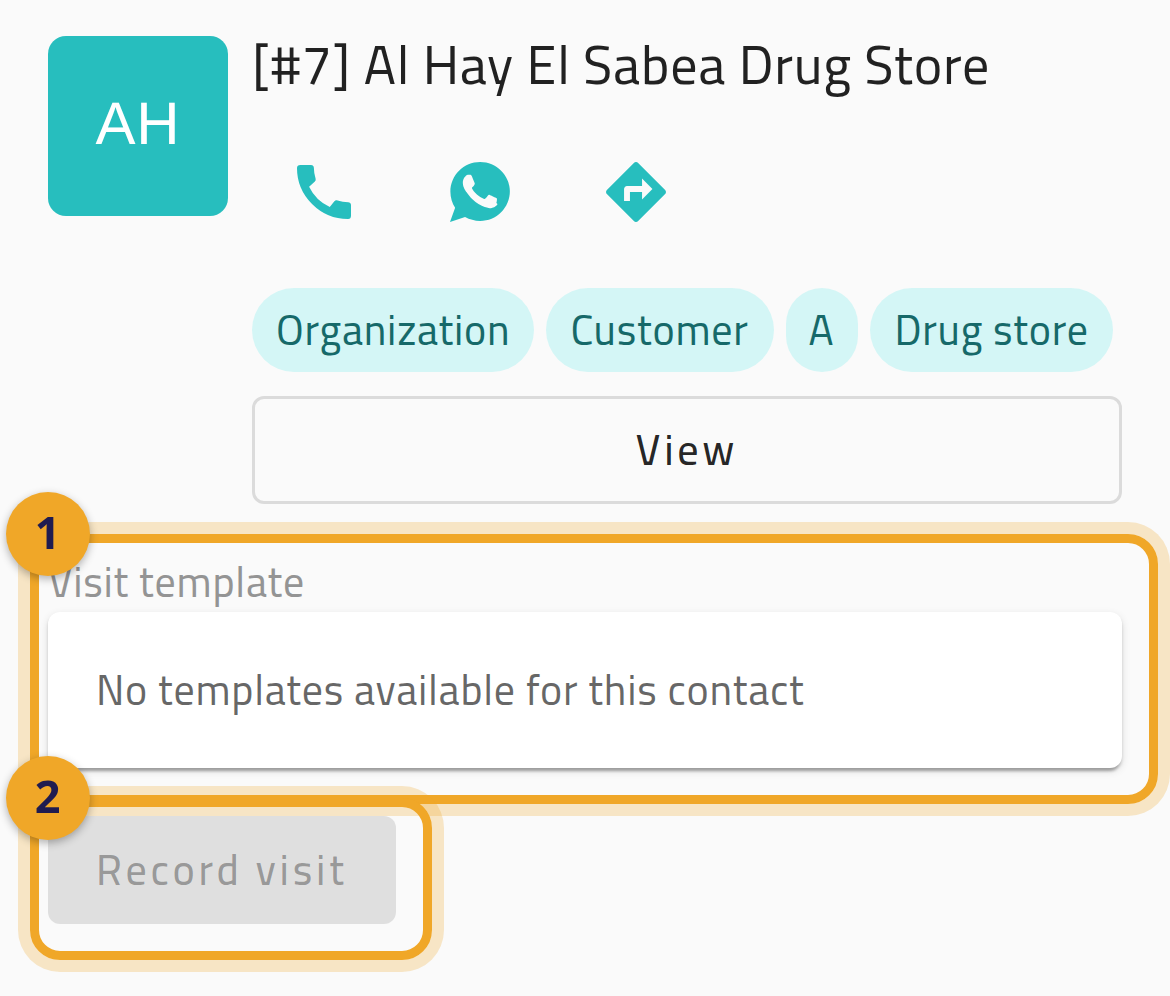
Section titled “The template list is empty and the Record button stays greyed out”The button appears whenever any active template in your workspace allows non-planned visits — that check knows nothing about you or the customer you picked. Choosing a template then applies the real rules: whether the template covers this customer, whether it is open to your role, and whether the customer is authorised for it. So you can legitimately start the flow and find nothing selectable. The only message is inside the picker (1) — “No templates available for this contact” — and Record visit stays greyed out (2). Ask your administrator which templates cover this customer.
A red banner replaces the form
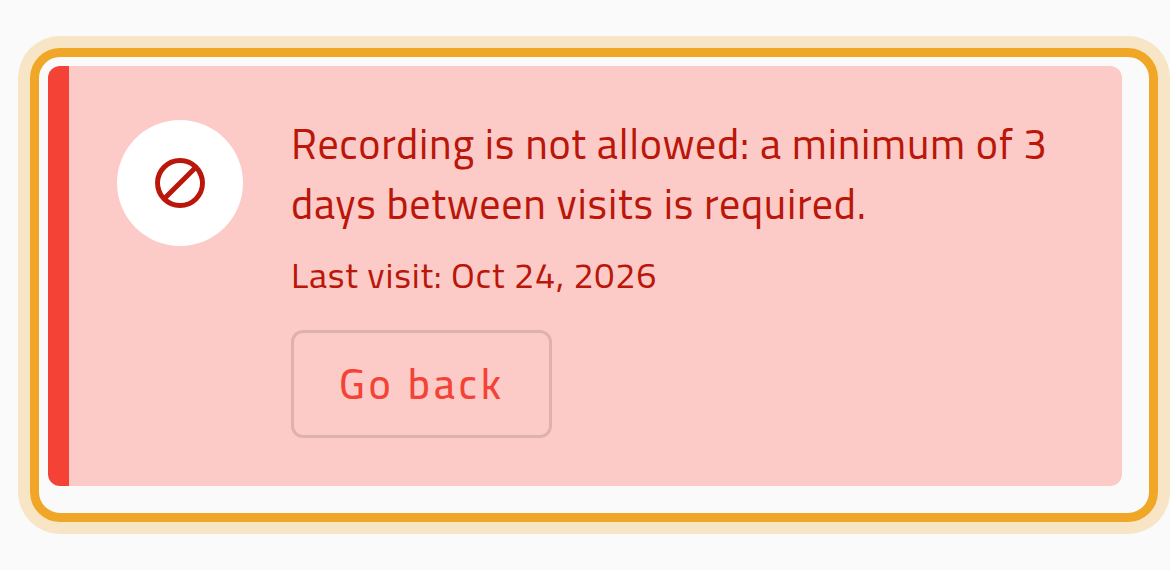
Section titled “A red banner replaces the form”The customer was visited too recently and your workspace blocks re-visits inside the minimum-days window. You cannot record this visit today.
A warning banner appears but the form still works
Section titled “A warning banner appears but the form still works”The customer was visited recently and your workspace warns rather than blocks. The visit records normally but will need your manager’s approval.