

Monitor and close a receipt book
Track how much of a receipt book has been used and settled, and close it out once it is finished with.
Before you start
Section titled “Before you start”- You need admin access to receipt books.
-
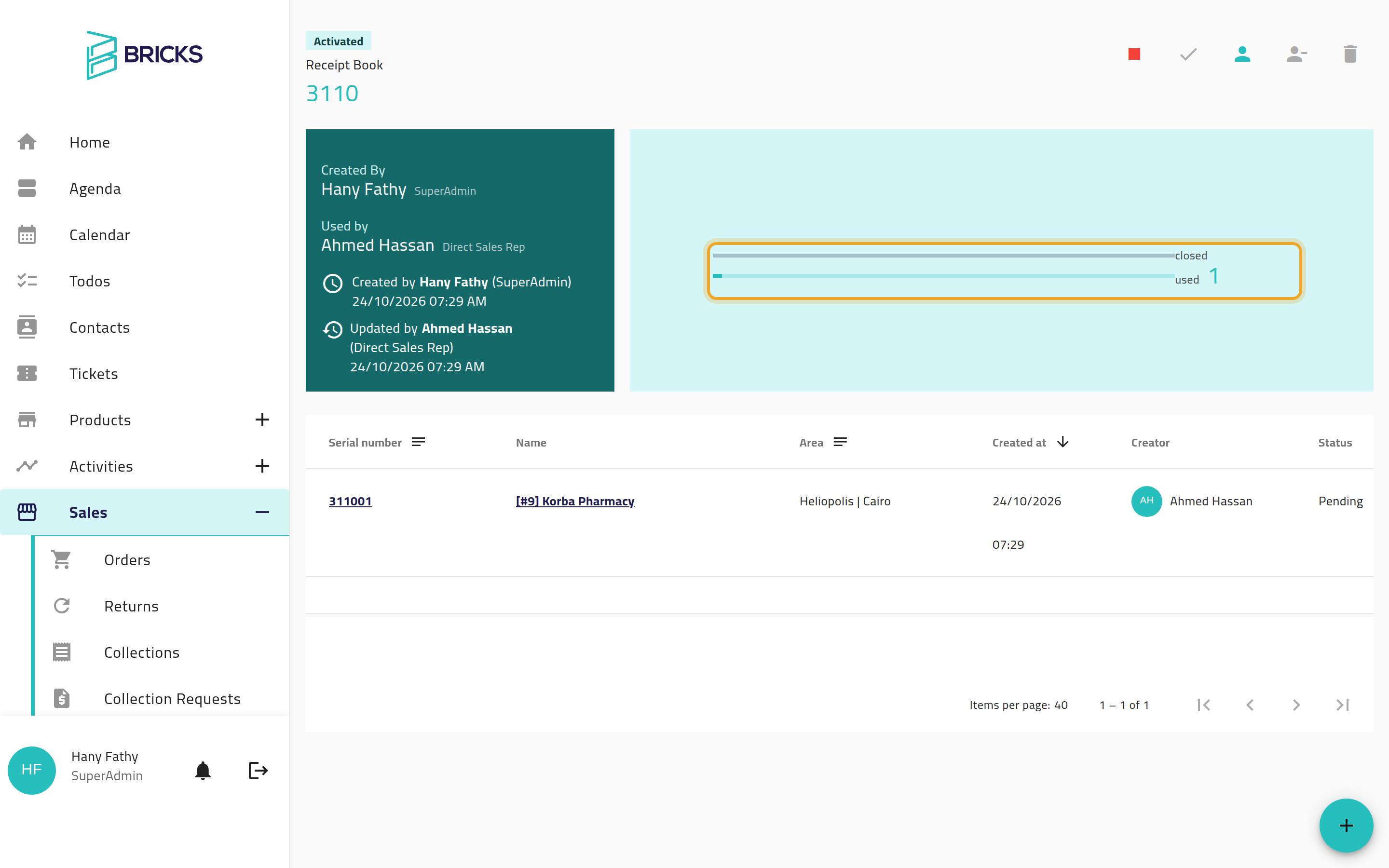
Open the book’s details. You’ll see two progress meters: used (how many receipts have been written from the book) and closed (how many of those have been fully settled).
-
Review the collections written from the book, listed on the same page.
-
When the book is finished with, choose Close. You can also deactivate and reactivate a book as needed, or delete it while it is still empty.
What can go wrong
Section titled “What can go wrong”Close is not available even though every written receipt is settled
Section titled “Close is not available even though every written receipt is settled”A book can be closed once every receipt it produced is settled — it does not need to be fully used up (for example, a lost or damaged book with only a few receipts written). If Close is not offered even though this is the case, this may be a display limitation on a partially-used book rather than a rule against closing it — check with support if you believe the book qualifies.
Closing fails with a generic error instead of a clear message
Section titled “Closing fails with a generic error instead of a clear message”This can happen, instead of the plain “must be settled first” message you’d expect, when some receipts are not yet settled. If you see it, the book most likely still has unsettled receipts; review the collections list and settle them before trying again.