

Issue a receipt book
Create a receipt book to match a physical booklet of numbered paper receipts, and hand it out to a rep so their collections draw serial numbers from it.
Before you start
Section titled “Before you start”- Your workspace must have receipt books turned on.
- You need the receipt-book create, and separately the assign, permissions — these are admin-only.
- Only people whose role is marked as eligible to hold a book can be assigned one.
- Open Receipt Books and choose Add receipt book.
- Enter the serial book number, the starting receipt serial, and the number of receipts (defaults to 50).
- Save the book — it starts out inactive.
- Assign a user to the book from the autocomplete of eligible users — anyone whose role is marked as able to hold a book.
- Choose Activate.
What can go wrong
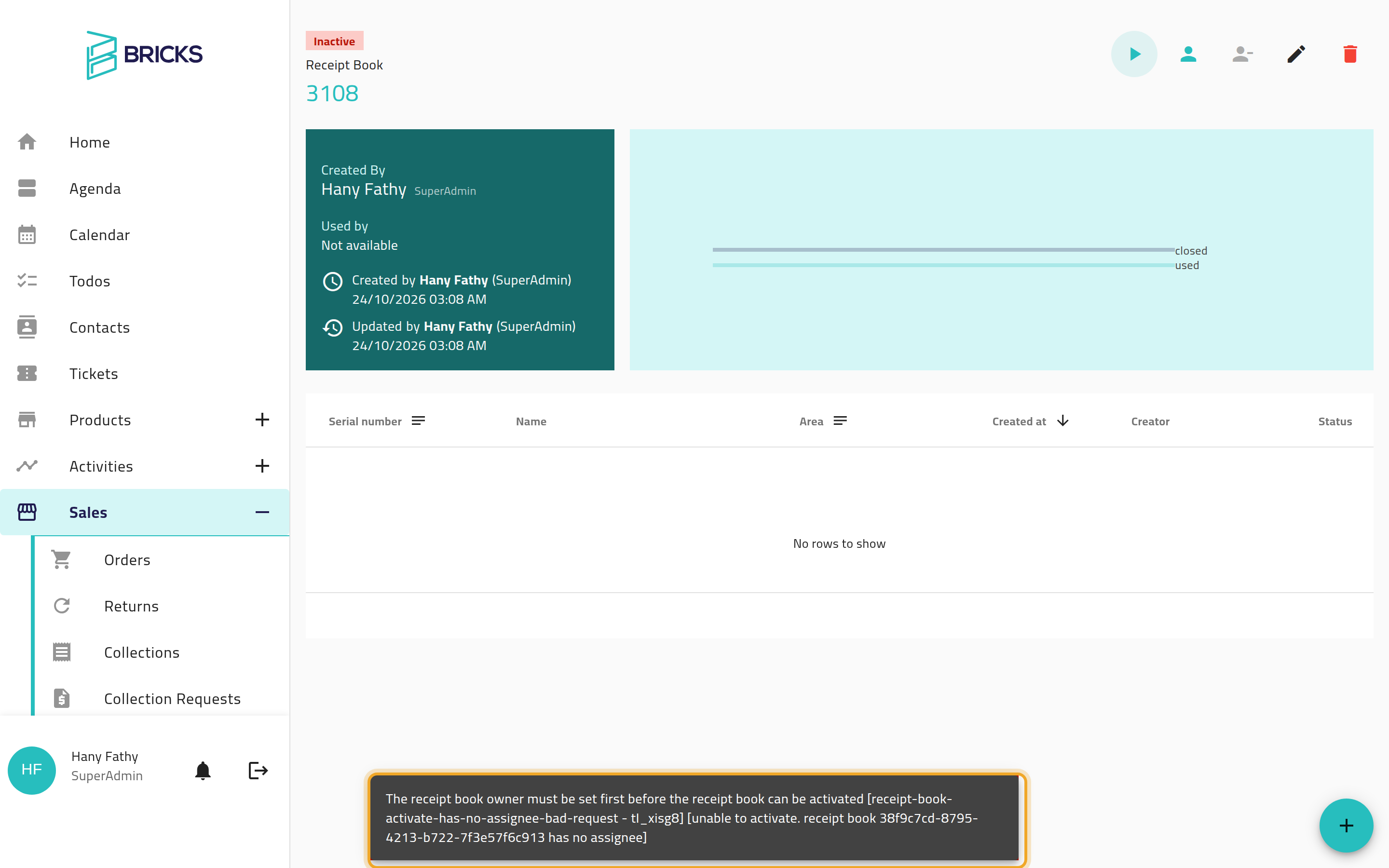
Section titled “What can go wrong”“The receipt book owner must be set first before the receipt book can be activated”
Section titled ““The receipt book owner must be set first before the receipt book can be activated””You tried to activate before assigning a rep. Assign someone first, then activate.
The serial range overlaps another book
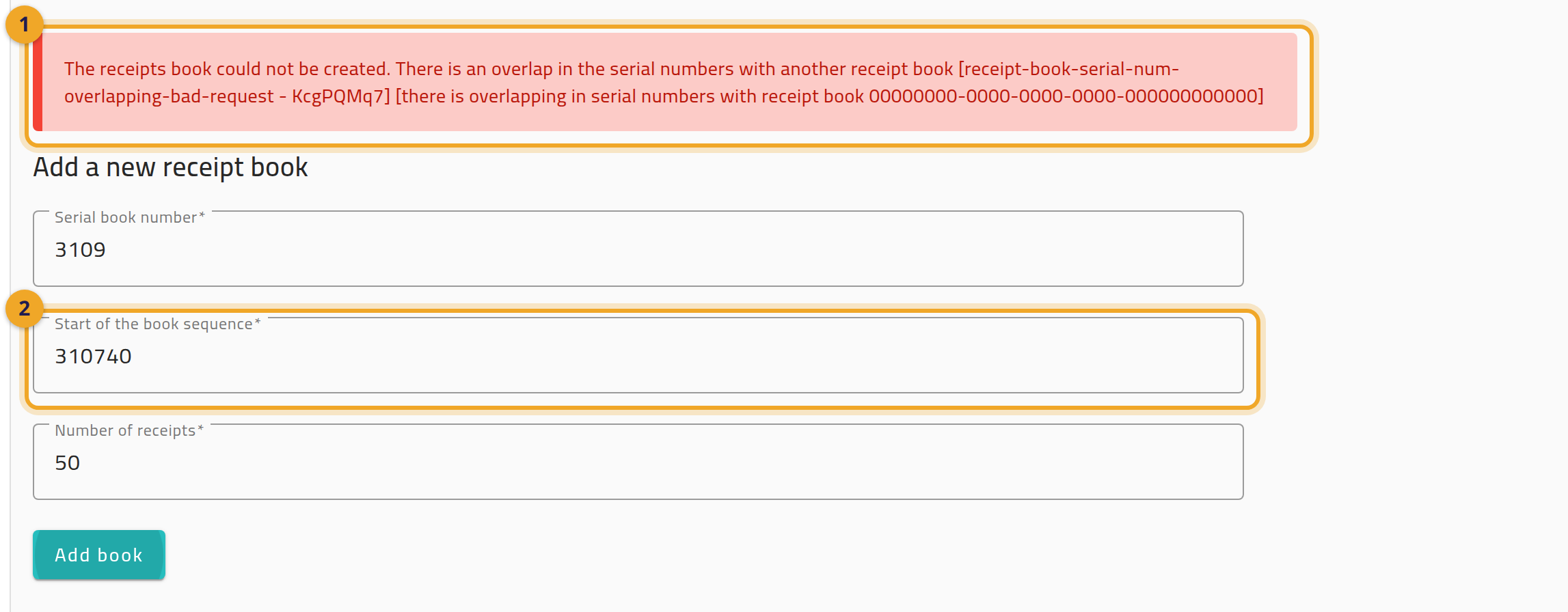
Section titled “The serial range overlaps another book”Every book’s receipt range must be unique across the whole workspace — you’ll be blocked from creating or editing a book whose range overlaps an existing one, with a message (1). Pick a different starting serial (2) or a smaller number of receipts.
You can’t edit the book anymore
Section titled “You can’t edit the book anymore”Once a book has any receipts written against it, it is frozen — you cannot edit its details, remove its assignee, or delete it. This is by design, to keep the paper trail consistent.